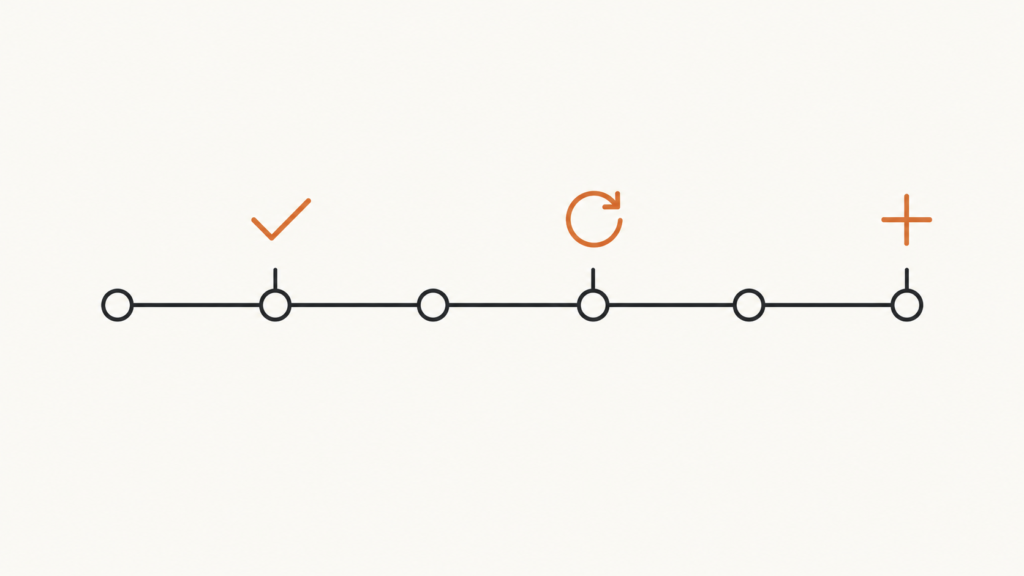
Most senior people give feedback as questions. Here’s what to do instead.
I’ve been noticing the same thing in product reviews for years now, across different teams and different companies. And it’s almost always the most senior person in the room doing it.
Feedback comes out as questions.
“Why is this in production?” “Do you think this should be live?” “Reporting belongs in the other system — so why did we build it here?”
Every one of those is a statement wearing a question mark. The person asking has already decided. And I think most of us do it because it feels like the polite option — softer than just saying the thing.
It isn’t softer. It’s an interrogation with better manners.
I sat in a review recently where every single correction was correct, and an hour in, the developer offered to delete a feature that worked. Nobody asked him to. He’d just worked out that volunteering to remove it was the fastest way to make the questions stop.
That’s the cost. Not hurt feelings — you lose the thing you actually needed, which was his judgment.
The answer you’re missing
Here’s the part I find most interesting, and it took me a while to see it.
When you ask a question you already know the answer to, you don’t just make somebody defensive. You skip past the real answer.
Take “why is this in production?” Asked as an accusation, you get an apology and a promise it won’t happen again. Asked properly — genuinely wanting to know — what you might hear is:
“It was a small change, and the staging environment isn’t ready yet.”
Now that’s useful. That’s a real, specific, fixable problem, and it isn’t the one you thought you were pointing at. The developer wasn’t being careless. He was working around a gap in your setup that nobody had prioritised.
You’d never find that out through cross-examination. The accusation format only has room for one answer, and it’s sorry.
This happens constantly. Most of the time the person built it that way for a reason, and the reason is information you want.
The method: good, fix, add
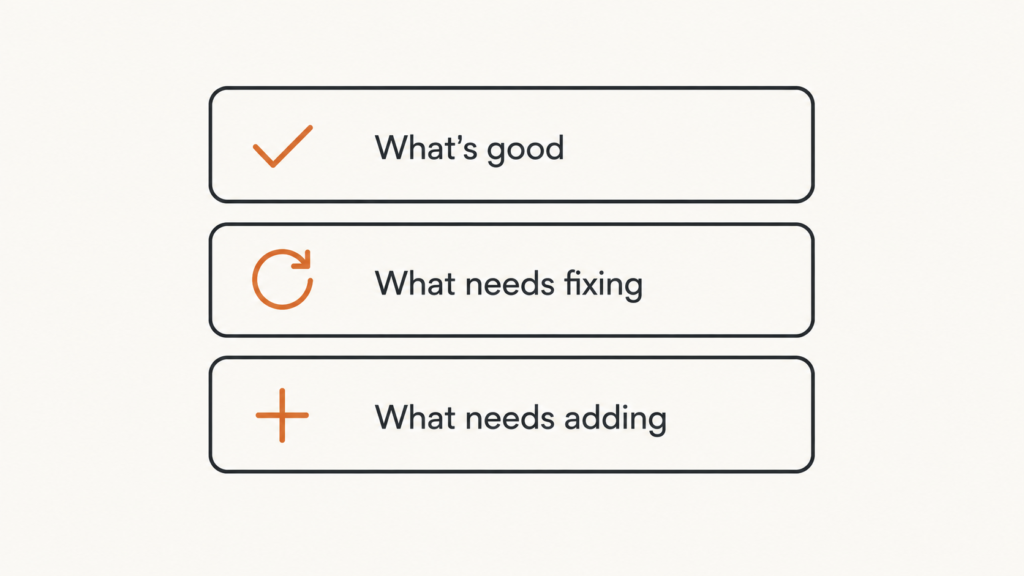
So here’s what I do instead. Three parts, in this order, every time.
1. What’s good
Name something specific that works.
Specific matters. “The way you’ve separated in-stock and back-ordered items is clean” is useful. “Good job” is noise — nobody has ever learned anything from it.
Two things happen when you do this. You’re telling them which decisions to repeat, which is real information they can use next time. And you’re establishing that this is a review of the work, not a review of them.
It takes about twenty seconds and I think it’s the most valuable twenty seconds in the whole session.
2. What needs fixing
Say it as a request, and tie it to why.
“Can we rename this button? It says ‘Restock All’, but it only raises a purchase request — sooner or later someone’s going to order the same stock twice.”
Compare that to “what is this button?” Same concern. One of them can be acted on immediately. The other needs three rounds of back-and-forth before anyone knows what’s actually being asked for.
The “and here’s why” clause is doing more work than it looks. Without it, they fix the one button. With it, they catch the next four cases themselves without needing you in the room.
3. What needs adding
Then the gaps.
“Can we add a note that the supplier system still needs updating by hand?”
I keep this separate from fixing on purpose. Fixing is about what’s there and wrong. Adding is about what isn’t there at all — and it’s a genuinely different kind of thinking, so it’s worth a separate pass. Run them together and the “add” list quietly gets shorter every time.
Good, fix, add. That’s the whole thing.
Nothing in it is softer than the questioning version. The developer still walks away with every correction. He just also knows what to keep, what to change, what’s missing, and why each one matters.
Walk the journey, in order

The other half of doing this well is when you say things.
Take the review in the order a user experiences it. Start where they start, move through the flow, and mark each step as you go: this is good, this needs fixing, this needs adding. By the end you’ve covered everything and the developer has a list that maps onto something he can actually navigate.
Compare that to how most reviews go — the reviewer spots something, follows it, spots something else, follows that. Twenty minutes later you’re three topics away from where you started and nobody’s sure what got decided about the first thing.
And stay on that journey. This one matters more than it sounds.
If you’re reviewing checkout and you have a concern about the analytics setup, don’t raise it in the checkout review. Write it down, raise it in the analytics review. The moment a review starts jumping between topics, three things happen: nothing gets fully resolved, the developer can’t prepare for any of it, and the whole thing starts to feel like a list of grievances rather than a piece of work.
Right question, right spot. If it’s not this journey, it’s not this meeting.
Close the loop
Two things at the end, and they take about a minute between them.
Say the changes back, with a name and a date.
“So — rename the button, add the note about the supplier system, move the confirm action below the item list. You, by Thursday. Anything in there you’d push back on?”
That last question is not a formality. If you never leave room for disagreement you’ll never find out when you’re wrong, and in my experience that’s about one time in five.
Then get it out of the conversation and into a system.
This is the part most teams skip, and it quietly undoes everything else. Spoken feedback has no memory — no screenshot, no URL, no browser, no steps to reproduce. The developer’s next half hour goes into working out which screen was even being discussed.
You don’t need much:
- No budget: a Google Form feeding a Sheet feeding your task tool. Make five fields compulsory — where in the flow, what you expected, what actually happened, how bad it is, and a screenshot. The compulsory “expected vs actual” is doing the real work; it makes vague feedback impossible to submit.
- Some budget: BugHerd, Jam.dev or Marker.io. These capture the URL, browser, operating system, console errors and the clicks leading up to the problem, automatically. Someone non-technical clicks a button, draws on the screen, types one line — and the developer gets something he can reproduce first time. This single change kills the “works on my machine” loop, which is the most expensive recurring cost in most teams.
And one rule underneath all of it: nothing survives the call unless it becomes a ticket with a name and a date, before the call ends. If it isn’t worth ninety seconds of writing a ticket, it wasn’t worth the ten minutes you just spent discussing it.
Worth saying plainly, because a lot of teams have quietly stopped doing this properly — AI meeting notes are not a feedback system. Notion, Granola and Fathom will hand you a beautiful list of action items that nobody owns and nothing chases. A summary is not an assignment.
Why the “good” part isn’t optional
I want to come back to the first step, because it’s the one senior people skip and it’s the one that compounds.
In that review I mentioned, an hour went by and not one thing that worked got named. The feature shipped. Records were created correctly. The right emails went out. The admin view did its job. None of it mentioned.
Put yourself on the other side of that. What you learn is that only mistakes get discussed here — so the best possible outcome for your work is that nobody says anything at all.
That’s a rough deal to offer someone. And it teaches exactly the wrong behaviour: build small, stay quiet, don’t attract attention. Which is the opposite of what you want from a team you’re asking to move fast.
The point of naming what’s good isn’t kindness, though it is kind. It’s that a review should leave someone with a clearer sense of what to do more of — not just a shorter list of things to stop.
One honest note
I’m not above any of this.
I went back through my own transcripts after that review, and I do a version of it constantly. Any time I can feel an argument getting away from me, out comes “it’s a simple question — yes or no?” Every single time. I’d never once noticed until I saw it written down in front of me.
Which is really the point. This isn’t a character flaw in other people. It’s what feedback collapses into when you’re short of time and you’re right — and you can’t see yourself doing it while it’s happening.
The fix is small enough to be genuinely achievable. Before your next review, decide what’s good. Then what needs fixing. Then what needs adding. Walk it in order, stay on the journey, and close with a name and a date.
Same corrections. Same standards. Nothing softened.
The difference is that at the end of it, you still have a developer who’ll tell you when staging isn’t ready.
Work with me
I’m a product leader who works at the intersection of product management and go-to-market technology — MarTech, CRM, marketing automation, and increasingly AI-enabled products. Most of what I do comes down to the same thing: building the system that lets a team ship, measure, and know whether any of it worked.
I’m currently open to:
- Product leadership roles — Director of Product, VP Product, Chief Product Officer
- Consulting and fractional work — product operating model, MarTech and CRM architecture, delivery and quality systems, AI-enabled product strategy
If any of that is useful to you, or you just want to argue with something above, I’d like to hear from you.
📧 harish@psharish.com · 💼 LinkedIn
By PS Harish
21 August 2026Comments
No comments yet.



Leave A Comment